Don’t Run Facebook Ads Until You Read This
Struggling with Facebook Ads? Learn targeting, setup, and strategy tips to improve leads, avoid mistakes, and get consistent results from your campaigns.
You’re not just spending money on Facebook Ads
You’re also spending hours setting up campaigns, writing copy and picking audiences
And still… the leads aren’t reaching you.
Impressions happen, clicks happen, BUT RESULTS?
Not What You Expected.
I’ve been there. When I started to run Facebook Ads, I faced the same challenges.
There were critical steps I initially missed, but when I changed my approach, I started to see consistent results. Now, I’m sharing these insights so you can avoid the same mistakes.
Why Facebook Ads are Worth Your Investment
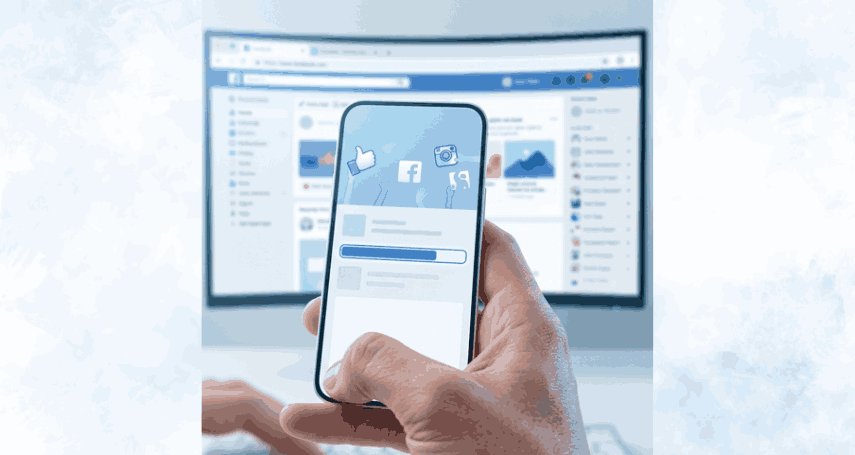
Facebook Ads continue to deliver expected results for businesses across industries when done right.
With the right strategy, campaigns can reach targeted audiences, drive engagement, and generate leads or sales efficiently.
Industries benefiting from Facebook Ads:
-
Real Estate
-
Healthcare
-
E-commerce
-
Education
-
Coaching
Investing in Ads is not about spending blindly, it’s about planning, targeting, and optimizing campaigns to achieve tangible business outcomes in your industry.
According to HubSpot, with 1.56 billion daily users spending an hour per day, Facebook’s reach is massive, but only 48% of marketers feel their efforts are effective, showing strategy is key.
Understanding Campaign Objectives
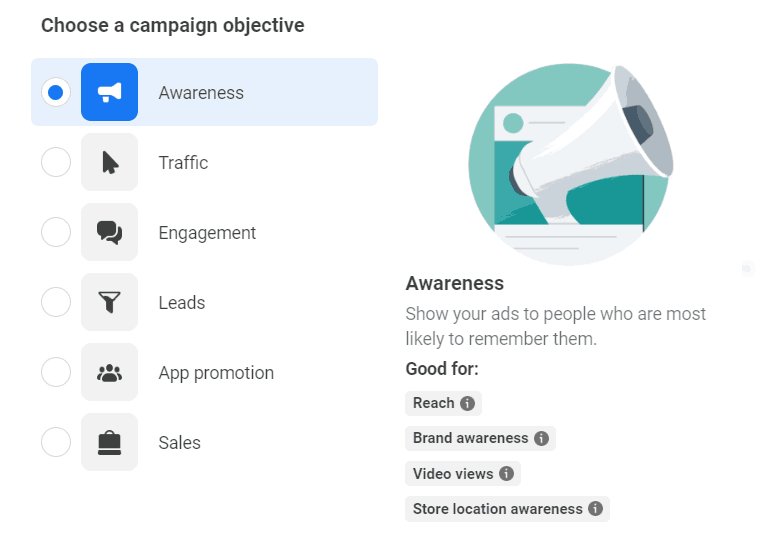
There are 6 campaign objectives in Ads, each serving a different purpose.
|
Campaign Objective |
Ideal For |
Goal |
|
Awareness |
New businesses or products |
Make people know your brand |
|
Traffic |
Businesses moving people to learn more |
Drive users to your website or landing page |
|
Engagement |
Brands building community |
Get likes, comments, shares, or event responses |
|
Leads |
Service-based businesses or B2B |
Collect user information like emails or sign-ups |
|
App Promotion |
App developers |
Get users to install or engage with your app |
|
Sales / Conversions |
E-commerce or ready-to-buy audience |
Encourage purchases or conversions on your site |
What is CAPI and Why It Matters for Facebook Ads?
Conversions API (CAPI) is a Facebook Ads tool that sends website action data directly to Facebook. By tracking leads, purchases, and sign-ups even when browser tracking misses events, it helps campaigns stay effective, optimize targeting, and minimize ad fatigue.
Why Use It?
-
Gives accurate data for smarter ad decisions.
-
Helps campaigns reach people more likely to take action.
-
Reduces lost conversions from tracking limitations.
Quick Setup Tips
-
Link your website to Facebook Business Manager.
-
Set up important events (leads, purchases, sign-ups).
-
Verify data is flowing properly with test events.
Results You’ll Notice
-
Clear insights into what’s working.
-
Ads reaching the right audience.
-
Improved campaign efficiency and outcomes.
Why Facebook Ad Accounts Get Suspended
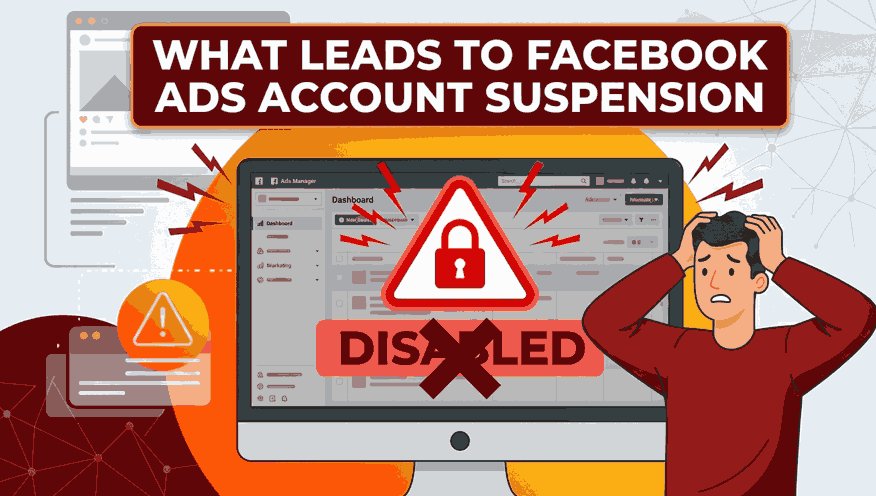
Usually, accounts don’t get suspended suddenly. It happens because of repeated small mistakes in your Ads.
If you understand these reasons early, you can avoid losing your account.
1. Breaking Facebook Advertising Policies
This is the #1 reason.
In facebook advertising, rules are strict.
Examples:
-
“Lose 5 kg in 2 days”
-
Calling out personal traits (“Are you overweight?”)
Such ads look misleading or sensitive.
Even one bad facebook ad campaign can trigger review.
Tip: Always follow Meta Platforms ad policies and avoid exaggerated or personal claims.
2. Misleading or Clickbait Content
If your ad promises something but your page shows something else, it’s risky.
Example:
Ad says: “Free course” but Landing page asks for payment
This creates a bad user experience in meta ads.
Tip: Keep your ad message consistent with your landing page content.
3. Poor Landing Page Quality
Your website matters a lot.
Issues:
-
Broken links
-
No contact details
-
Too many pop-ups
-
Copy-paste or spam content
Even strong fb ads will fail and get flagged if the page is weak.
Tip: Create a clean, trustworthy page with clear details and proper navigation.
4. No Pixel or Wrong Tracking Setup
A pixel helps track actions properly.
Issues:
-
No pixel installed
-
Wrong event tracking
-
Sending fake or duplicate data
This confuses the system and affects your Fb Ads account.
Tip: Properly set up the Meta Pixel with accurate event tracking.
5. Payment Issues
Billing problems can also lead to restrictions.
Examples:
-
Card declined multiple times
-
Using different cards often
Inside the ads manager, payment history is important.
Tip: Use a stable payment method and avoid repeated declines.
What You Must Fix Before Running Facebook Ads
Before you even spend a single rupee on Ads, check these basics.
1. Know Your Goal
Ask yourself:
-
Do you want leads?
-
Website visits?
-
Sales?
Without a goal, your facebook ad campaign will not work.
Every campaign setup starts with a clear goal.
2. Understand Your Audience
Not everyone will buy from you.
In meta ads, targeting is powerful. But only if you use it properly.
Think:
-
Who needs your service?
-
What problem do they have?
-
Where do they live?
Strong audience targeting makes your fb ads more effective.
3. Your Offer Must Be Clear
People scroll fast.
If your facebook advertising message is confusing, they skip it.
Say clearly:
-
What you offer
-
Why it matters
-
What they should do next
I followed this approach consistently, and it completely changed the way my campaigns perform. Within a few weeks, my campaigns became more predictable, delivering more consistent leads and better efficiency.
Steps to Run Facebook Ads Effectively
This is exactly what worked for me. Once I followed this process, my campaigns became more predictable and started delivering results.
1. Open Facebook Ads Manager
-
Go to the ads manager and set up your Fb Ads.
-
Select your Facebook ad campaign goal like leads, traffic, or sales.
2. Define Your Audience
-
Choose location, age, and interests inside the Ads Manager.
-
Right targeting improves your fb ads performance.
3. Set Your Budget
-
Start with ₹200 - ₹500/day for your Fb Ads.
-
Increase to ₹800 - ₹1500 after checking results.
4. Create Your Ad & CTA
-
Use clear visuals and simple text in Facebook advertising.
-
Add a strong CTA like Call, Message, or Book.
5. Set Up Pixel & Placement
-
Install a pixel to track clicks and conversions.
-
Use automatic placements in meta ads for better reach.
6. Review, Publish & Monitor
Check all settings in the ads manager and launch.
Results You’ll Actually See
Running Fb Ads works best when you follow the right strategy, targeting, and setup.
Here’s what happens when campaigns are done effectively:
-
Engagement Growth: Your audience interacts with your content through likes, comments, and shares.
-
Relevant Leads: Collect emails, sign-ups, and inquiries from people interested in your offer.
-
Conversions That Matter: Drive purchases, bookings, or downloads from users ready to take action.
-
Clear Insights: Track performance and identify which campaigns are producing results for your business.
With clear goals, precise audience targeting, and simple messaging, effective Facebook Ads services help you run campaigns that produce measurable results, allowing you to track performance and grow your business steadily.
FAQs
How do I create ads on Facebook?
Go to Ads Manager and click Create Campaign. Choose your goal, define your audience, set your budget, and design your ad with visuals and a clear CTA. Finally, install the Facebook Pixel to track results and publish your ad.
How much do Facebook ads cost?
Fb Ads can fit almost any budget. Beginners can start with ₹200 - ₹500/day, while optimized campaigns may need ₹800 - ₹1500/day. Costs depend on your audience, objective, and competition.
How long does it take to see results from Facebook Ads?
Simple campaigns like engagement or traffic may show results in 1 - 3 days. Lead generation or sales campaigns usually take 5 - 14 days, depending on targeting, ad quality, and optimization.
What makes a Facebook Ad successful?
A successful ad has a clear goal, precise audience targeting, and simple messaging. Using Facebook Pixel to track results and adjusting campaigns regularly ensures steady performance.
What prevents Facebook Ads from converting visitors?
Even with clicks, conversions can drop if the audience is too broad, the ad copy is confusing, or the landing page is weak. Focusing on precise targeting and clear messaging improves results.
Facebook Ads work best when planned carefully. Focus on clear goals, the right audience, and strong offers. Always monitor campaigns and follow best practices to get the best results.
Digital Marketing services in Other Locations in India
Bangalore | Hyderabad | Chennai | Pune | Ahmedabad | Coimbatore | Mumbai | Kolkata | Patna | Amritsar | Indore | Kozhikode | Trivandrum | Jaipur | Nagpur | Gwalior | Dehradun | Noida | Vizag | Raipur | Agra | Gurgaon | Madurai | Udaipur | Thrissur |